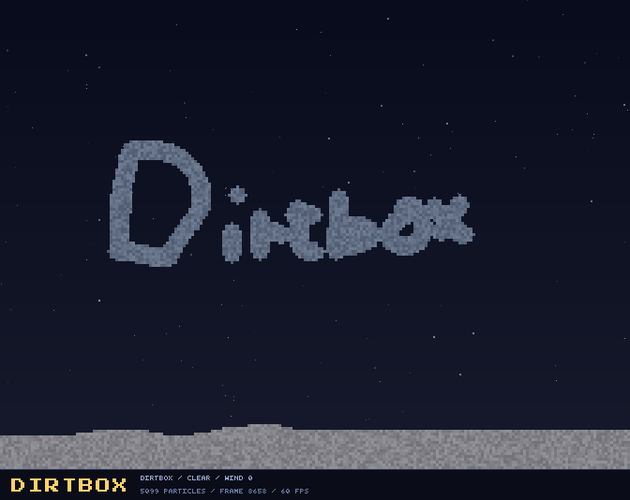
Dirtbox
Dirtbox: a sandbox game
Have you ever played a sandbox game? No, not like Minecraft. I mean Falling Sand games. Yeah, those. Have you ever played one? If so, this game's for you!
Dirtbox is a cross-platform sandbox game where you can create, experiment, and destroy stuff. Every little particle does its own thing. Sand falls, water flows, fire spreads, and plants grow. You can make a little world, mess with it, and see what happens.
There are 92 materials to play with. Dissolve things with Acid, freeze things with Frost, plant things with Seeds, and blow things up with Dynamite! Mix Salt with Water to make Brine, grow Crystals, melt metal with Thermite, or set off some Fireworks.
You can also build little machines with Pumps, Heaters, Coolers, Cloners, Conveyors, and Magnets. Add Algae, Coral, Vines, or Ants to your world and watch them do their thing.
Start with the Dirtbox world, then try Volcano, Reef, Laboratory, or Skylands. Change the weather with Rain, Snow, Storms, or Ashfall. You can also adjust the wind and watch it push things around.
Draw freehand, make lines and boxes, fill areas, and try different brush shapes and sizes. If you mess something up, you can undo it. If you make something you like, you can save it and load it again later.
There is no score and no right way to play. Make something, watch it react, wreck it, and start again. Or just sit back and see what happens.
Play on Windows, Linux, Mac, or right in your browser.
It is completely free and fun to play!
Download
Install instructions
Want to play Dirtbox? Cool. Here is how to get it running.
Windows
Download the Windows ZIP and unzip it somewhere you can find it. Keep dirtbox.exe and SDL2.dll in the same folder, then double-click dirtbox.exe. That's it. No installer needed.
Mac
Download the macOS ZIP and unzip it, then open Dirtbox.app.
If macOS stops it from opening, right-click or Control-click Dirtbox.app and choose Open, then choose Open again. You may only need to do this the first time.
Linux
Download the Linux ZIP and extract it. Run dirtbox or run.sh.
If nothing happens, open a terminal in that folder and type ./run.sh. You can also allow the files to run as programs in your file manager.
Browser
No download needed. Just click Run game and play right in your browser.
Your Dirtbox world is already included, so you can start playing right away. Press H if you need the field guide.